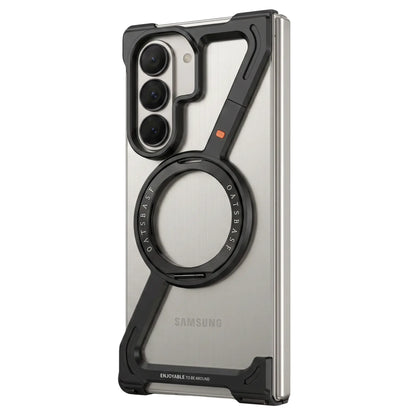
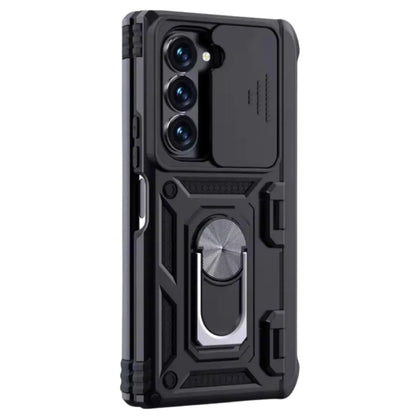
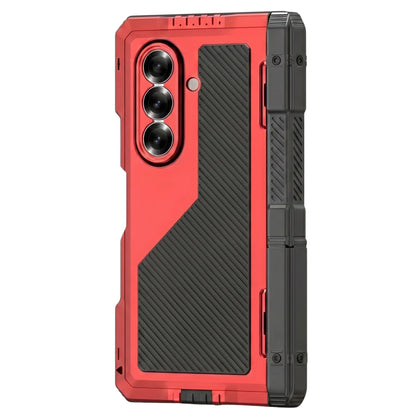
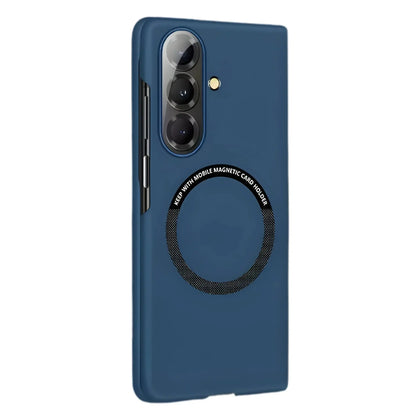
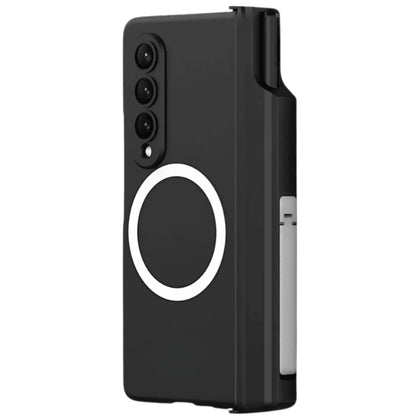
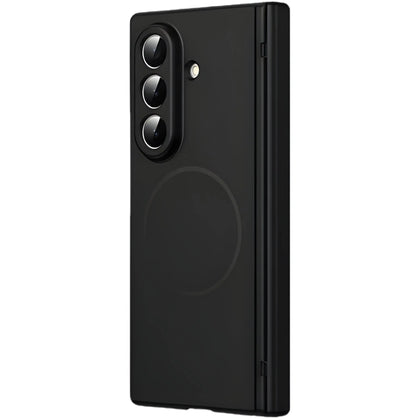
TL;DR: Pick the Scribe K1 if you need a stylus alongside the keyboard, more colour options including Carbon Fiber, and 360° hinge protection. Pick the Folio K1 if you want a precision-machined metal folding stand, a magnetic typing deck that snaps cleanly, and a more office-laptop aesthetic. Both fit Z Fold 7, 6, and 5. Both include keyboard + mouse + pen.
Same category, different priorities
Both cases sell the same dream — turn your Galaxy Z Fold's 8" inner display into a working laptop. Both ship a complete wireless QWERTY keyboard, a Bluetooth mouse, and a stylus / pen. Both are pitched at the same buyer: someone who wants laptop-class typing without carrying a laptop.
The real differences are in how they execute. Stand mechanism, materials, stylus type, hinge protection, colour selection.
Stand mechanism
Folio K1: precision-machined metal folding bracket. The stand acts as a stable base with a magnetic typing deck on top — the keyboard snaps onto the metal base. Mechanical hinge keeps everything firm under the screen's weight. Best for typing on uneven surfaces like trays or laps.
Scribe K1: built-in stand bracket with a 360° hinge protection design. The keyboard is integrated into the protective case rather than docked separately. More compact when not in use.
Choose: Folio K1 for stability + laptop-feel, Scribe K1 for compact + integrated.
Stylus
Scribe K1: includes a stylus with a hinged pen holder. Supports both capacitive pens and the Samsung S-Pen. The S-Pen support matters — the Z Fold 7 famously dropped on-device S-Pen storage, so a case-mounted holder is genuinely useful.
Folio K1: includes a capacitive pen stored in a recessed channel. Doesn't specifically advertise S-Pen storage — the channel is sized for a capacitive pen.
Winner: Scribe K1 if you use an S-Pen.
Hinge protection
Scribe K1: 360° hinge protection built into the case structure — the case acts as a hinge guard for the Z Fold as well as a keyboard dock.
Folio K1: protects via the precision-machined metal folding bracket and durable mechanical hinge, but isn't marketed as a 360° hinge guard specifically.
Winner: Scribe K1 for hinge-specific protection.
PRO TYPIST PICK
Folio K1
All-in-one wireless keyboard with a precision metal stand and magnetic typing deck. Two clean finishes.
Shop Folio K1 →
Keyboard & mouse
Both ship a full Bluetooth QWERTY keyboard with optimised key travel, a precision wireless mouse, and indicators for power + pairing. Functionally similar typing experiences.
The Folio K1's keyboard is rechargeable with a built-in charging port. The Scribe K1's keyboard pairs via Bluetooth seamlessly with indicators for power and pairing status.
Colours & aesthetic
Scribe K1: Black, Carbon Fiber, Red. The Carbon Fiber finish is unique to Scribe — high-tech texture that signals "productivity tool." Red adds personality.
Folio K1: Black, Silver. Cleaner, more laptop-like aesthetic. Two finishes only.
Choose: Scribe K1 for variety, Folio K1 for executive cleanness.
Comparison table
| Feature |
Scribe K1 |
Folio K1 |
| Keyboard |
Full QWERTY, BT |
Full QWERTY, BT + rechargeable |
| Mouse |
✓ Wireless |
✓ Wireless |
| Pen |
Stylus (S-Pen supported) |
Capacitive pen |
| Stand |
Integrated bracket |
Precision metal folding |
| Magnetic deck |
— |
✓ |
| Hinge protection |
✓ 360° |
Via metal bracket |
| Colours |
3 (incl. Carbon Fiber) |
2 (Black, Silver) |
| Best for |
S-Pen + variety |
Laptop-feel + stability |
Which one to buy
Buy the Scribe K1 if: you use an S-Pen, you want hinge-specific protection built into the keyboard case, or you want a personality colour like Carbon Fiber or Red.
Buy the Folio K1 if: you want a stable precision-machined metal stand for typing on uneven surfaces, you prefer a magnetic typing deck that snaps cleanly, or you want a clean laptop aesthetic in Black or Silver.
FAQ
Can I use the keyboard without the case?
Yes — both keyboards pair via Bluetooth and work as standalone Bluetooth keyboards. The mouse and pen are also standalone wireless devices.
Do they work with Z Fold 6 and Z Fold 5?
Yes. Both Scribe K1 and Folio K1 ship in Z Fold 7, Z Fold 6, and Z Fold 5 variants. Select your model at checkout.
How long does the keyboard last per charge?
The Folio K1's keyboard is rechargeable via a built-in port and lasts multiple workdays per charge in normal use. The Scribe K1's keyboard pairs over Bluetooth with power indicators.
Will it replace my laptop for short trips?
For email, light document editing, and meetings — yes. For heavy spreadsheets, video editing, or work that demands a 14"+ external display, no. Both keyboard cases are pitched at the productivity-on-the-go shopper, not the laptop-replacement shopper.